
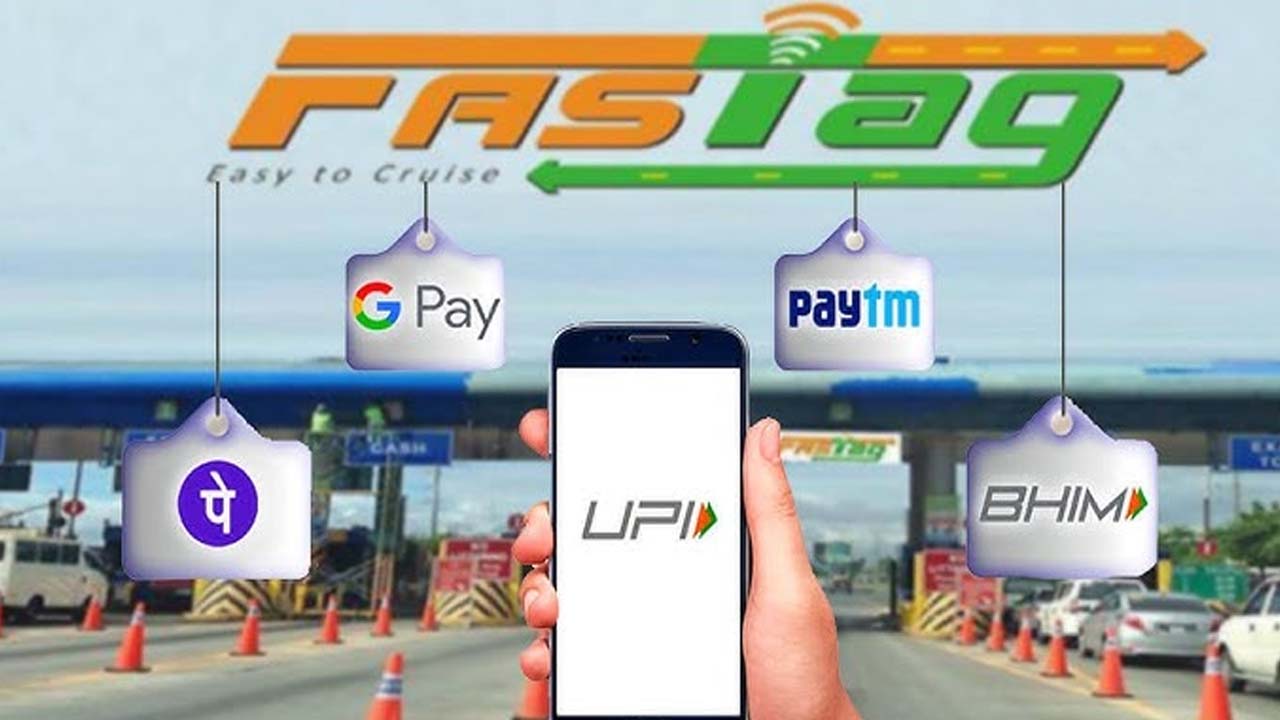


If you’re an Indian motorist, especially if you frequently drive on highways, you are familiar with FASTag. This helps budget time in between journey and getting to your destination.
FASTag is a small-sticker RFID or a chip that gets fixed on your car windscreen. This will lead to your vehicle automatically being charged for using the tolls, when you pass through the toll booth.
Having a FASTag balance will result in having to pay double, or if you don’t have any money in your FASTag balance account, you will get delayed stuck in the toll plaza.
The easiest way is to recharge with using a mobile phone app with payment options such as Paytm, Google Pay and PhonePe.
Open the Paytm app on the mobile phone. Scroll down and see the FASTag section. Click on the FASTag issuing bank from the list. Enter your vehicle registration number. Choose the payment method (wallet, card, UPI or, net banking). Press pay to recharge FASTag.
Open Google Pay on your Android or i-phone.
Go to the ‘Pay Bills’ section.
When you are in the ‘Pay Bills’ section click on the ‘FASTag
Recharge’ in the Payment Categories.
Select the Fastag issued bank from the list.
Select the FASTag on that linked vehicle.
Enter the amount you would like to recharge to FASTag balance and complete the payment section.
In a matter of seconds, your FASTag has been successfully recharged.
Open PhonePe app on your mobile.
Go to ‘Recharge & Pay Bills’.
Tap on ‘FASTag Recharge’.
Select your FASTag bank and enter your vehicle number.
Once you have checked and confirmed the details then move ahead for payment.
Enter the recharge amount and confirm the transaction.
The amount will be visible in your FASTag account in a short period.
Always check with your FASTag bank on their minimum recharge amount.
Make sure that your vehicle number is correct before proceeding to pay.
Keep a screenshot or text confirmation for future reference, if required.
Recharging your FASTag through any of the apps such as Paytm, PhonePe or Google Pay is a very straightforward and quick process that you can do in no time anywhere. Be sure you are keeping your FASTag account topped up and loaded at all times so that you can simply and easily get away and travel with your vehicle!
 Share
Share
 Realme 15 Pro 5G vs Vivo V60 5G: Which Mid-Range Beast Wins?
 Coolie Box Office Collections: Can Rajinikanth Maintain The Pace?