
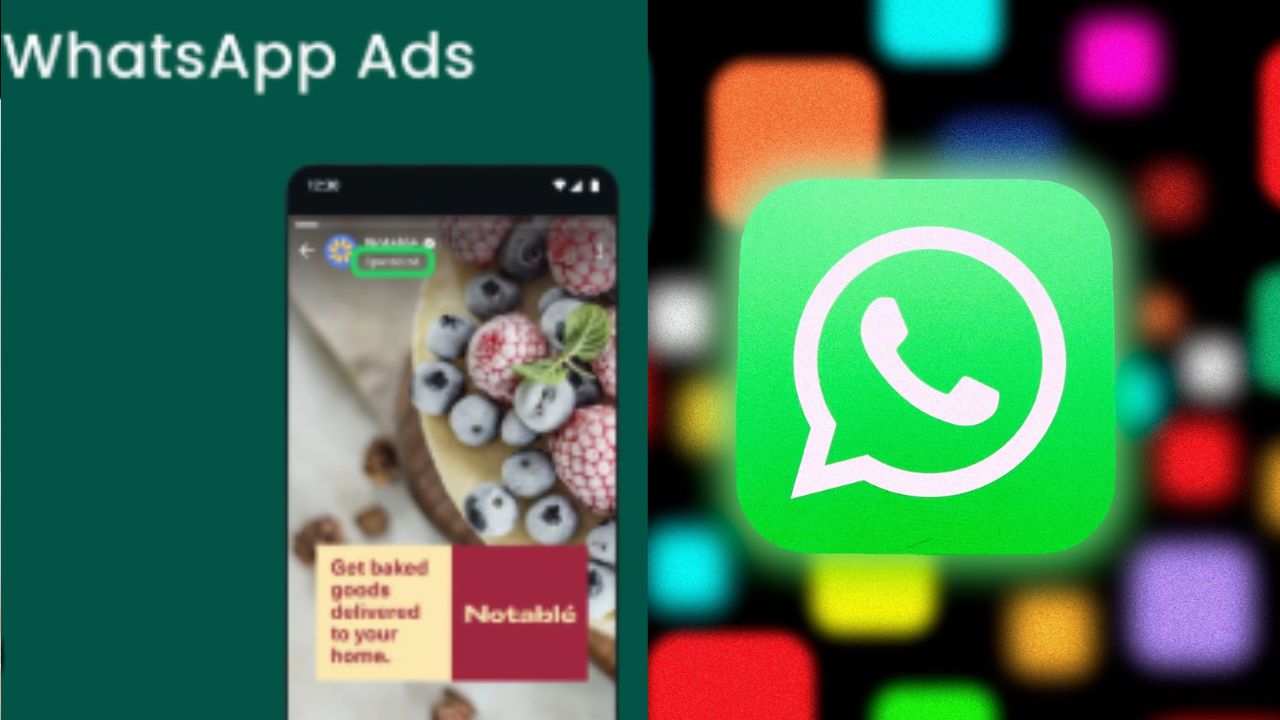


WhatsApp has started showing ads to users. This is a major change for the app. Meta owns the popular messaging service. Ads now appear within Status updates. They also show up inside Channels. Many countries including India have this feature. Chats remain completely ad-free for now. This move indicates Meta’s monetization plans. They want to generate revenue from
WhatsApp.
Many users noticed ads recently. They appear between Status updates. They also show within Channels feeds. Some users received in-app notifications. These notifications explained the new ad policy. Meta confirmed this rollout earlier. The company plans wider implementation now.
WhatsApp’s claim is that with these advertisements you can search for and find new businesses far more efficiently, increasing user interaction and engagement with products via direct messaging within the application. While maintaining full encryption on private messages (the encryption of private messages and calls remains intact), and while those product ads will not be targeted with that data. Even the content of “Status Updates” posted by users remain protected from being seen by other users and continue to utilize the end-to-end encryption method.
To use the advertising interface within WhatsApp, simply tap on the ad. By doing so, you will access a profile for the business, allowing you to research their products further. Additionally, this will launch a chat platform directly in the application to provide a more streamlined experience in starting a conversation with the company.
Simply tap the “Sponsored” label associated with the ad, click “Hide Ad” within the action menu, then confirm your choice to discard the advertisement from view. Your input will also aid in sharpening and improving your feed experience.
You will find the option to “Report an Ad” using the three-dot menu associated with the advertisement. Simply follow the prompts to provide the reason for reporting the ad and submit the report to WhatsApp so they are aware of inappropriate content.
To manage your advertising options go to WhatsApp’s Settings button on your smartphone, open “Account Center,” then proceed to “Account Settings.” Here in the “Ad Preferences” section, set your preferences for how you wish to control and manage the types of ads you receive.
 Share
Share
 Huge Deal: iPhone 16 Plus Gets Rs27,410 Price Cut
 Three Machines in One: Ubon's New Breakfast Maker Hits Indian Market