

Connect WiFi Instantly:
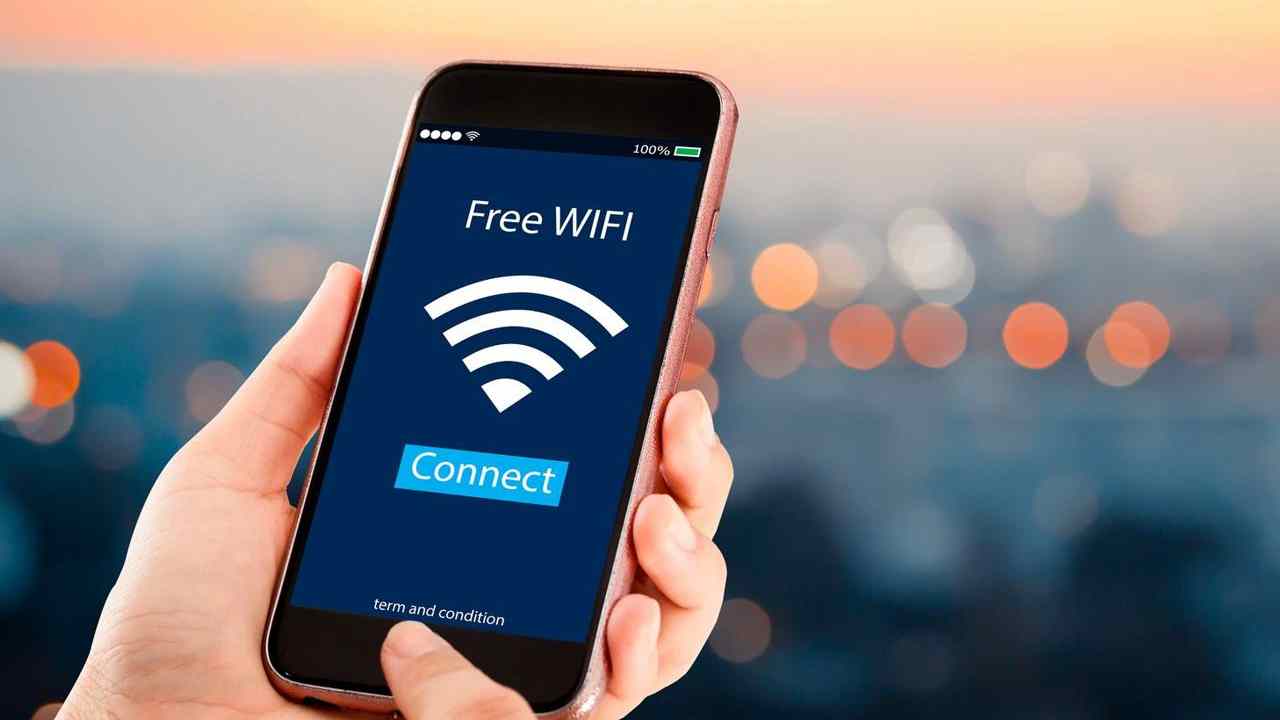
Many people face a common problem when they visit a new place or when friends come home they need Wi-Fi, but you may not want to reveal the password. Sometimes, you yourself may not remember the password because the phone connects automatically. In such situations, there are simple tricks that help you share Wi-Fi without typing or telling the password. These methods are safe, quick, and make your work easier.
Most Android phones today come with a built-in Wi-Fi sharing feature. If your phone is already connected to a Wi-Fi network, just tap on that network’s name in the Wi-Fi settings. You will see an option called Share. When you select it, your phone will display a QR code. Anyone who wants to connect to your Wi-Fi can scan that QR code using their mobile camera. Once scanned, the phone connects automatically without asking for the password. This method is very useful in offices, homes, and public places.
iPhone users also have a simple method. If two iPhones are kept close to each other with Bluetooth turned on, the password can be shared automatically. When the second iPhone tries to join your Wi-Fi network, a message will pop up on your phone asking, “Share Password?”. If you tap Share, the other device connects instantly. You never need to say the password out loud or type it manually. This is a safe and smooth method especially when helping family members or friends.
There are also many free websites and apps that help you create a Wi-Fi QR code. You simply enter your Wi-Fi name and password, and the site generates a QR code image. You can save it on your phone or print it at home. Whenever needed, anyone can scan the code and join the network without asking you again.
These easy tricks make daily life more convenient. Whether you use Android or iPhone, sharing Wi-Fi has now become simple, secure, and quick all without revealing your password.
ALSO READ: Flipkart Sale: Samsung Flagship Worth Rs60,000 Now Available Under Rs30,000
 Share
Share
 Flipkart Sale: Samsung Flagship Worth Rs60,000 Now Available Under Rs30,000
 This iPhone Is Breaking Sales Records Worldwide: See Full List of Best-Selling Phones