
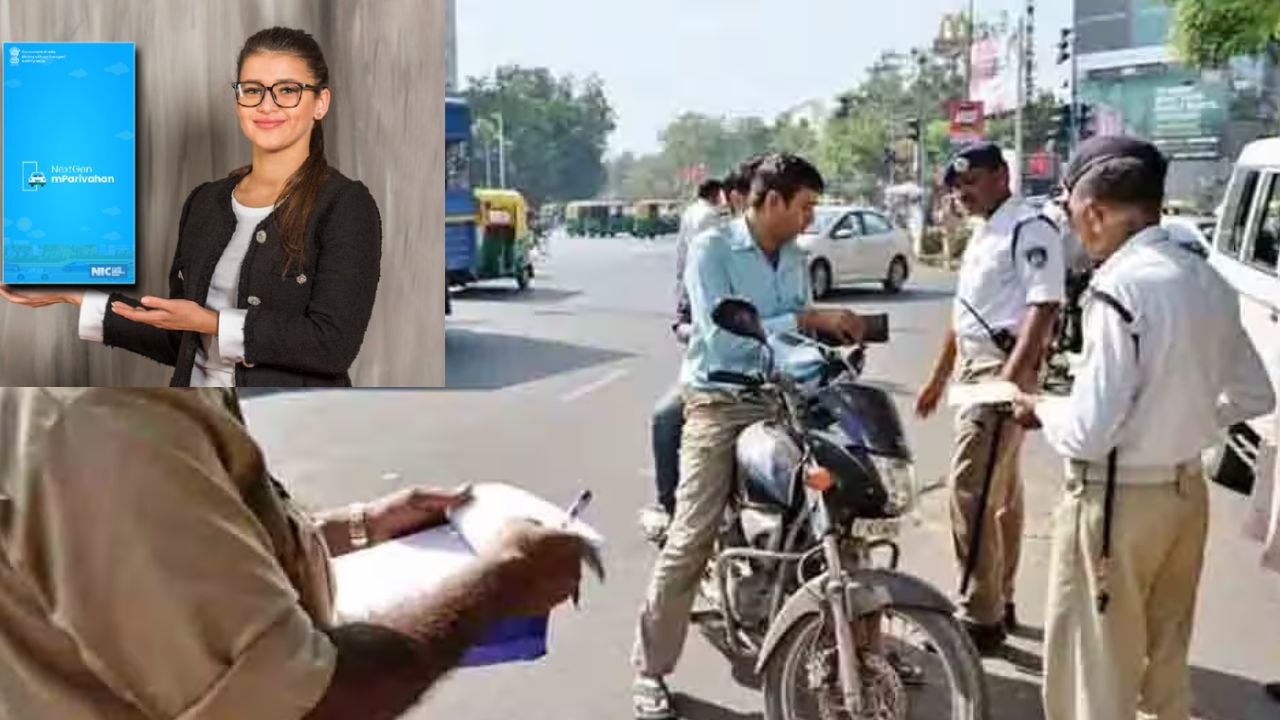


We live in a digital world. People nowadays love to use their smartphones for everything. Online payments are also made by them. Many have stopped carrying a physical wallet. But your wallet is the one that holds the most important pieces of paper. It has your Driving License and Vehicle Registration Certificate. If you forget them, then it will cost you a lot in traffic fines. For this problem, there is a very simple solution, which is actually on your phone.
Do not simply snap a photo of your license. A police officer may not agree to a mere photo. You need an official digital way. The government-authorized mParivahan app is the answer to this problem. It keeps your virtual files safe and sound. The traffic police in any part of India are ready to accept these digital copies. This app saves your money by making the next traffic officers job easy.
Firstly, get the mParivahan app to your phone. It is available on the Play Store and App Store. Next, you need to set up your account. Press the ‘Sign-Up’ button. Insert all the required information accurately. Mention your state, mobile number, and name. Create a strong mPIN for your account. Confirm your number with the OTP that you get. Your account will be activated immediately.
Put your Vehicle Registration Certificate inside the app. Locating and clicking on the ‘My Virtual RC’ button will help you do this. The app will require vehicle details from you. Input your vehicle number with precision. Also give the chassis number and engine number. Click the button after filling out the form. To verify this process, an OTP will be sent to the user. Subsequently, you will see your digital RC. It has a unique QR code on it. A police officer can use this code to authenticate your identity.
Secondly, put your DL details into the app. Choose ‘My Virtual DL.’ option. The only thing that you are going to need is the number of your DL. Type in your date of birth that is on the license. For confirmation, submit these details. New OTP will authorize your request. The virtual license is on the cloud and hence safe. You can open it anytime within the app.
Keep the mParivahan app with you always. Regularly ensure your digital documents are up to date. Such a simple act can bring loads of peace of mind. You will not be haunted by the fear of forgetting your documents anymore. Drive legally and smartly with your digital wallet.
Also Read: Has Your Gmail Been Hacked? Here’s How to Check and Secure It
 Share
Share
 Top 5 Post Office Schemes to Invest This Diwali for High Returns
 Diwali Box Office 2025: Mixed Response for Tollywood Films Overseas