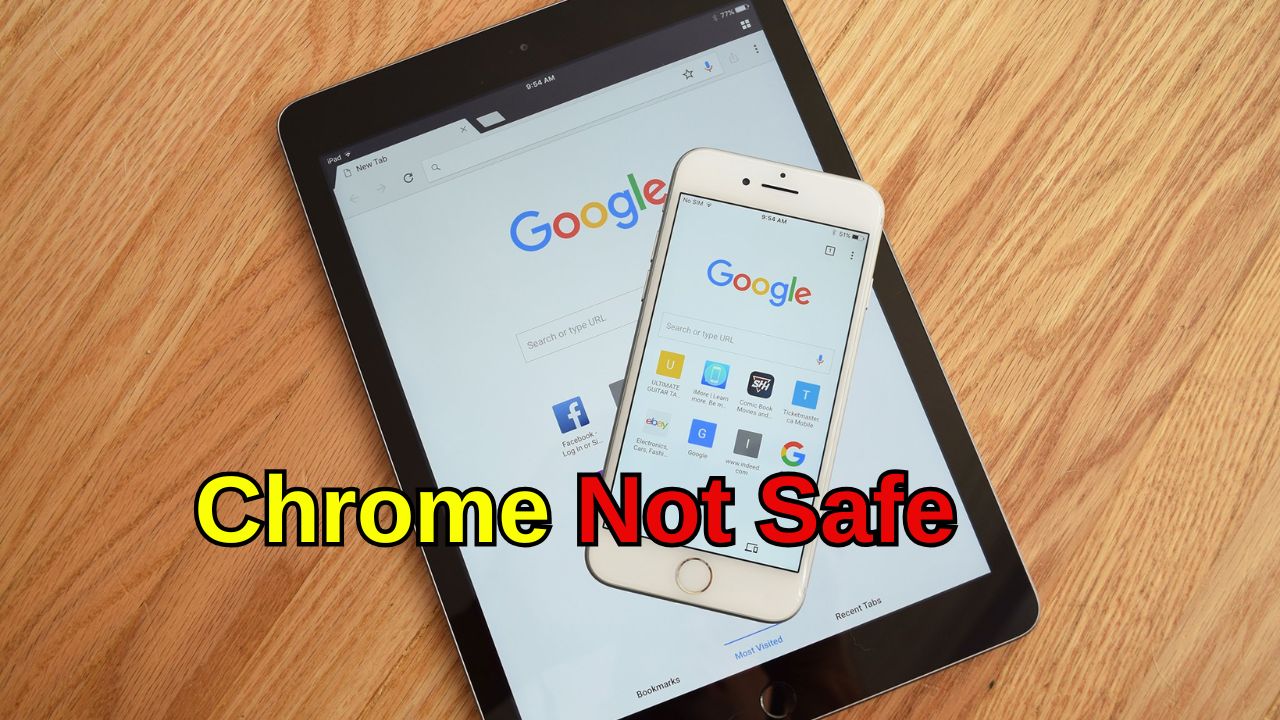


Apple has advised iPhone users to avoid Google Chrome. The company claims Safari protects user privacy much better. Apple has also included a warning about secretive fingerprinting, which has become more dangerous this year. According to Apple, Safari prevents advertisers and websites from creating a fingerprint using your device’s unique data combination. This helps stop online tracking and improves your privacy.
Safari helps block device fingerprinting. Fingerprinting allows people to take information from the configuration of your computer and create a profile that looks very similar to many other devices. This means that identifying a device is much more difficult.
Fingerprinting uses multiple types of information from your phone to build a profile that can be tracked. Fingerprinting is one of the hardest technologies to opt out of, or to prevent from working. Recently, Google lifted its original ban on using this technique.
There are several other companies working towards similar goals as Apple in their browsers. Mozilla has taken similar steps in updating its Firefox browser to give users additional protection against online tracking by creating new methods to thwart device fingerprinting.
AI-Facilitated Tracking Prevention: Safari uses AI to block tracking methods used by advertisers when you visit sites on your computer. Using Private Browsing: Safari also includes a Private Browsing function, which enhances your security, by protecting your location from advertisement companies. Working with Google Docs and Sheets: Safari integrates well with Google Docs and Google Sheets.
Using Safari to browse the web does not remove all traces of Google from your life. In many countries, Google is the default search engine, and each search page contains a link to download the Google App. It is very easy to accidentally click this app link when you search for something online.
 Share
Share
 Shocking Rise of AI Videos Targeting Children on YouTube
 Stock Market Falls as Investors Wait for Key US Fed Decision