
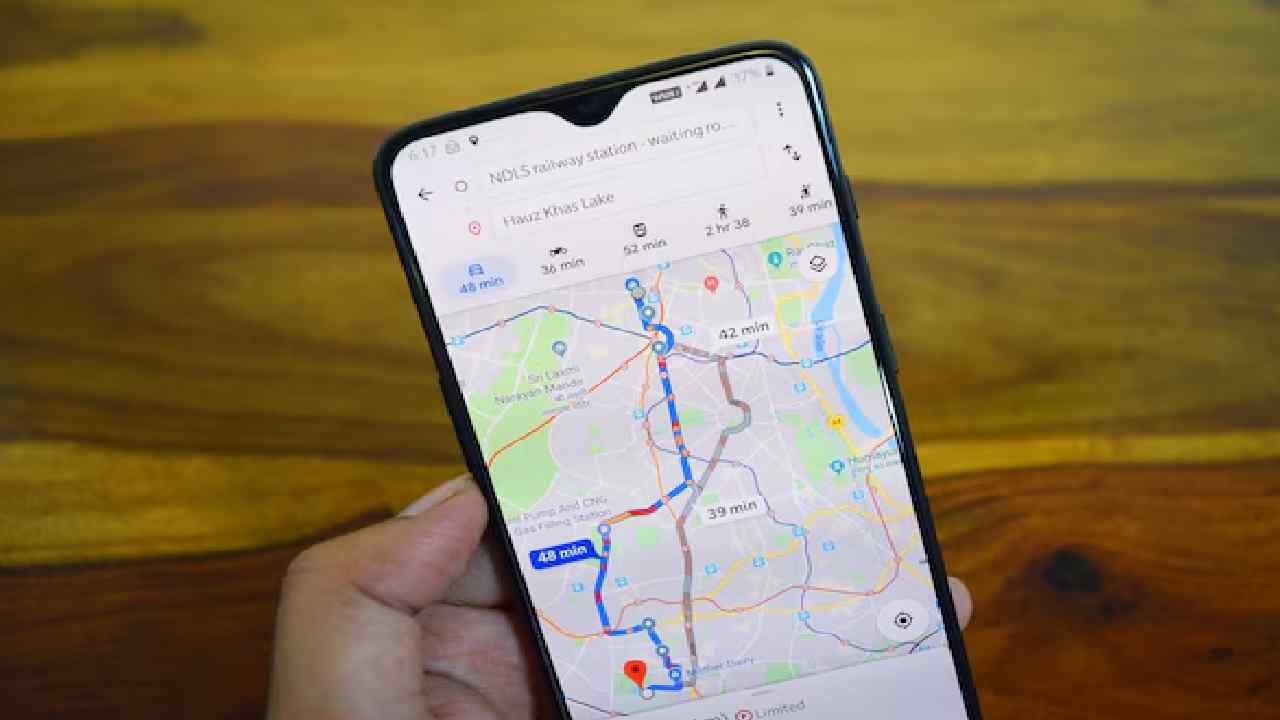


Google Maps Offline:
Google Maps has become an important part of our daily travel. Whenever we want to visit a new place, we immediately open the app and follow the directions. Most people think that Google Maps works only when there is mobile data or WiFi. But this is not true. You can also use Google Maps without the internet by saving the map offline. This is a very helpful feature, especially when your network is weak or when you run out of data.
Many times, we face problems because the internet becomes slow in remote areas, mountains, villages, or basement parking lots. Sometimes the signal drops completely. In such situations, offline Google Maps can save you from confusion and help you reach your destination safely.
Using Google Maps without internet is very simple. You only need to download the map earlier when you have WiFi or mobile data.
Follow these steps:
1. Open the Google Maps app on your phone.
2. Tap on your profile photo at the top right corner.
3. Select “Offline Maps.”
4. Choose the option “Create your own map.”
5. Zoom in, select the area you want to visit, and tap on “Download.”
Once the map is downloaded, you can use it even when you have no internet. The app will show directions using your phone’s GPS.
Offline maps are very useful while traveling to places with poor mobile networks. They are helpful in hills, forests, rural villages, crowded city markets, or basement areas. This feature is also useful when traveling abroad because roaming charges for mobile data are very expensive. By using offline maps, you can save money and avoid network issues.
Things to Remember
When using offline maps, keep your phone well-charged. Offline mode depends fully on GPS, so battery drains faster. If your phone has an SD card, save the maps there to save internal space. Also keep the phone in an open place, as GPS works better when the device can catch satellite signals.
Offline Google Maps is a simple trick that can make your travel easier, safer, and stress-free even without internet.
ALSO READ: Gold Market Alert: Prices Likely to Break All Records
 Share
Share
 Gold Market Alert: Prices Likely to Break All Records
 Ai+ Launches Laptab: A Tablet That Doubles as a Laptop