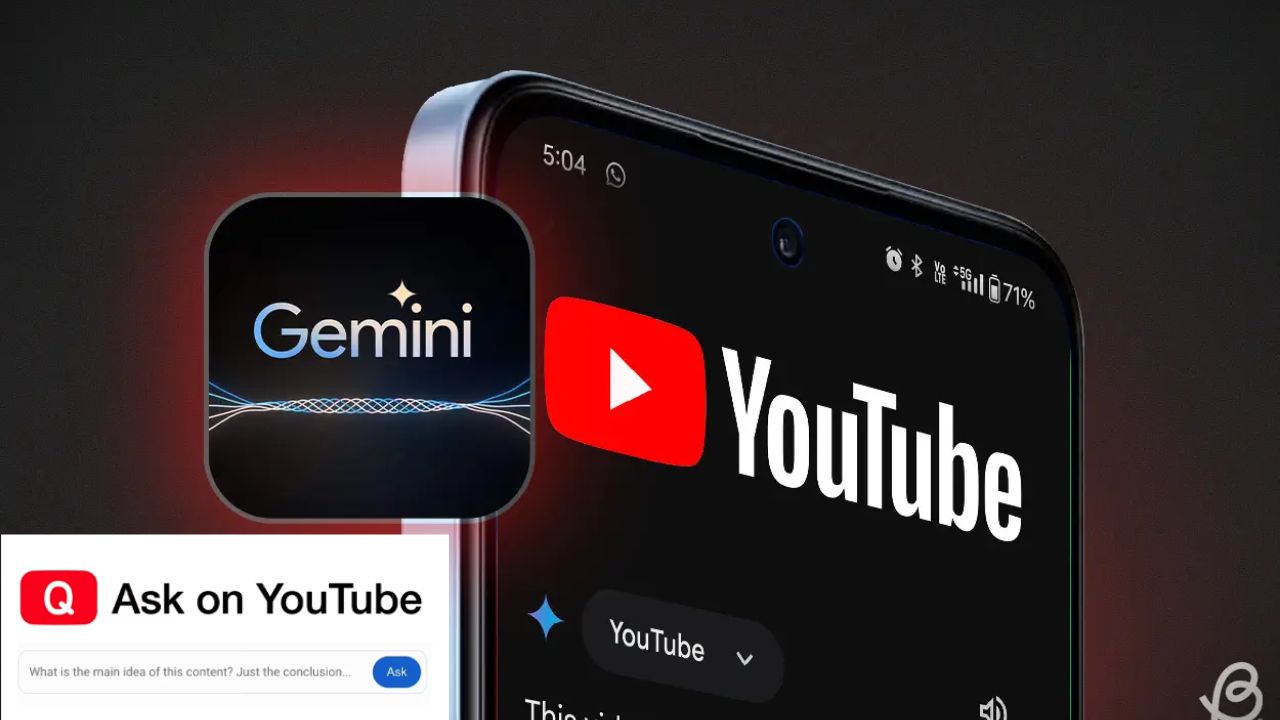


YouTube is testing a new feature. It is called the ‘Ask’ button. This tool uses Google’s Gemini AI. It helps you get instant video answers. The feature is rolling out to select users now. It makes understanding videos much easier.
Look for a new button below the video. It sits between the ‘Share’ and ‘Download’ options. The button has the Gemini AI icon on it. It is available on iPhones and Android devices. You can also find it on Windows computers.
Tap the ‘Ask’ button to open a chat window. You can type your own questions there. The tool also gives you prompt suggestions. These help you start quickly. It uses large language models for answers. You get summaries and explanations instantly.
Suppose you are viewing a review for a smartphone. If you click on the Ask button, it will provide you with appropriately tailored questions to consider. With a smartphone example, one of the questions could be, “Is it durable?” You could enter the question “What makes it powerful?” and receive a generated response to it without needing to view the entire review video. The benefit of this feature is that it saves you from having to view all parts of the review to find a specific answer to your question or topics of interest. You can now access the information you are looking for in seconds, rather than needing to watch the entire review and playback the section you had previously viewed.
This feature is only available in certain countries. Specifically, it is currently offered in the U.S., Canada, and India. New Zealand users will also be able to access the feature. The feature is currently available in English only. You must also be at least 18 years old in order to use this feature.
YouTube is making this feature available to both free and premium users at this time. You do not need a paid subscription to use the feature. YouTube is currently in the testing phase of the feature with a select group of users and may roll it out to all users in the future.
YouTube makes it very clear there is a disclaimer about the precise nature of the artificial intelligence. The AI can make mistakes. You should always verify the accuracy. Do not rely on the responses provided for accuracy of important information. Again, the AI will provide automated responses once the questions are answered.
YouTube recently implemented a likeness detection tool to better protect the faces and voices of creators. YouTube added a mental health section geared to support for teens recently. YouTube also announced it will now have stricter age rules around violent games. These updates will start from November 17.
This feature changes how we watch videos. You can now have a conversation with content. It makes learning from videos more interactive. Try it out if you see the button.
Also Read: Spending All Day On Social Media! Hackers Can Steal Your Data Instantly
 Share
Share
 Top 5 Benefits Of Washing Face with Cold Water
 Here Are Top 6 Betel Leaf Benefits And How To Use It