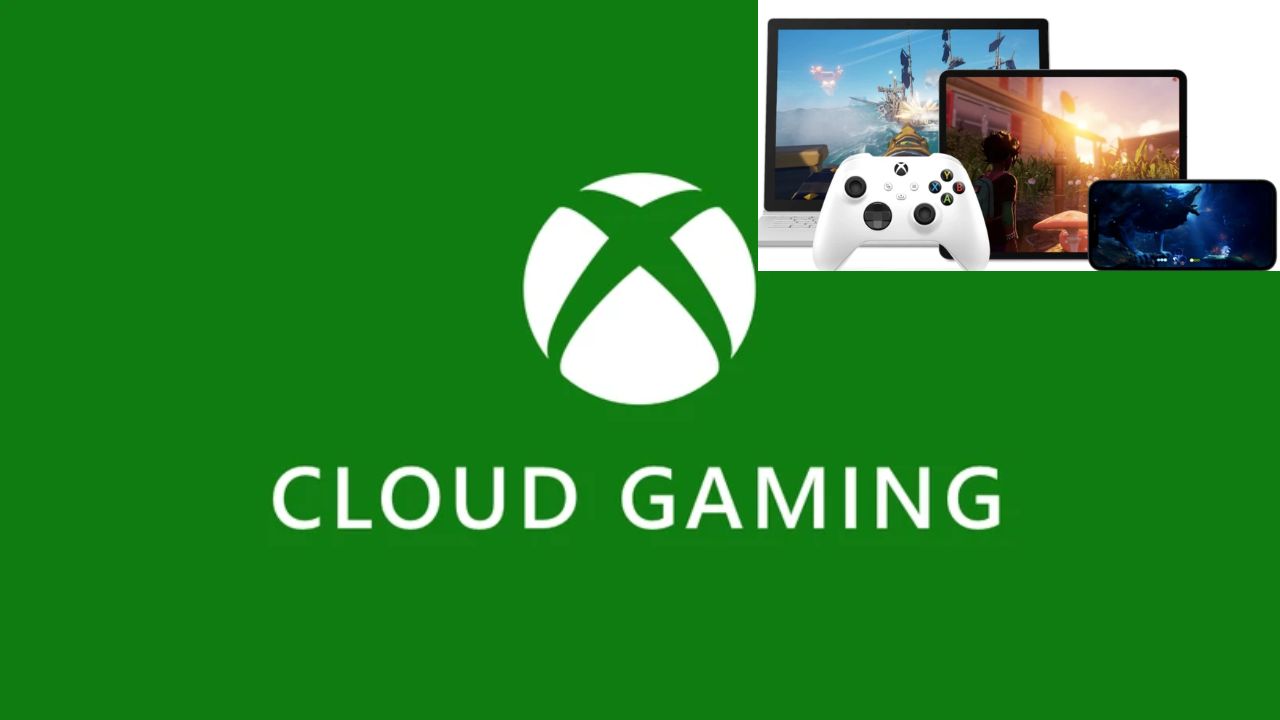


Microsoft launched Xbox Cloud Gaming in India. This service streams games directly from the internet. You do not need an Xbox console. Play popular titles on many devices. Use your phone, laptop, or smart TV.
You need one of three subscriptions. Choose Game Pass Essential, Premium, or Ultimate. A good internet connection is essential. Get at least 10 Mbps download speed. Use a compatible wireless controller. Connect it via Bluetooth to your device.
Play on iOS and Android phones. Use your Mac or PC computer. Select Samsung and LG smart TVs work. Amazon Fire TV Stick is also supported. Use an official Xbox controller. A Sony DualSense controller also works. Any verified Bluetooth controller will function.
Open Chrome, Safari, or Edge browser. Go to the website xbox.com/play. Add this site to your home screen. Sign in with your Microsoft account. Connect your controller via Bluetooth. Select a game and press play.
The procedure is closely aligned. First, you must open your web browser. Then you’ll want to navigate to xbox.com/play. Once everything is completed, log into your account. Next, connect your Bluetooth controller. After that, browse the library for a game, and start playing.
First, you’ll want to download the Xbox application. You can find it in the app store on your TV. Once you have installed the application, open it and answer any prompts carefully. Sign into your Microsoft account and pair your controller via Bluetooth. Then you can browse the library and start playing a game.
The library has some great titles you can play. Call of Duty: Warzone is available to play. Asphalt Legends and Halo Infinite are also popular games. You will also have access to Raji: An Ancient Epic. Overwatch 2 is also part of the library. New games join the service regularly so there may be even more options to choose from.
Game Pass Essential is priced at Rs. 499. This plan grants you access to around fifty games. You will gain access to unlimited cloud streaming as well. The Premium plan is priced at Rs. 699. The Ultimate plan is Rs. 1389, but it allows you to play games the day they are released on the Xbox platform.
Quite possibly the best way to play is over a Wi-Fi connection because it is stable. An Ethernet cable however could be even better. Be sure to check your internet speed first before trying to play the hundreds of games. There are some games that support the use of touch controls. You can use a keyboard too. Review the game details first.
This service makes gaming more accessible. You do not need expensive hardware. Enjoy high-quality games on old devices. It is perfect for gaming on the go. Start your cloud gaming journey today.
Also Read: How to Find Saved Wi-Fi Passwords on Windows and Mac
 Share
Share
 Here Are Top 6 Betel Leaf Benefits And How To Use It
 Bollywood Actor Govinda Hospitalised After Fainting at Home