
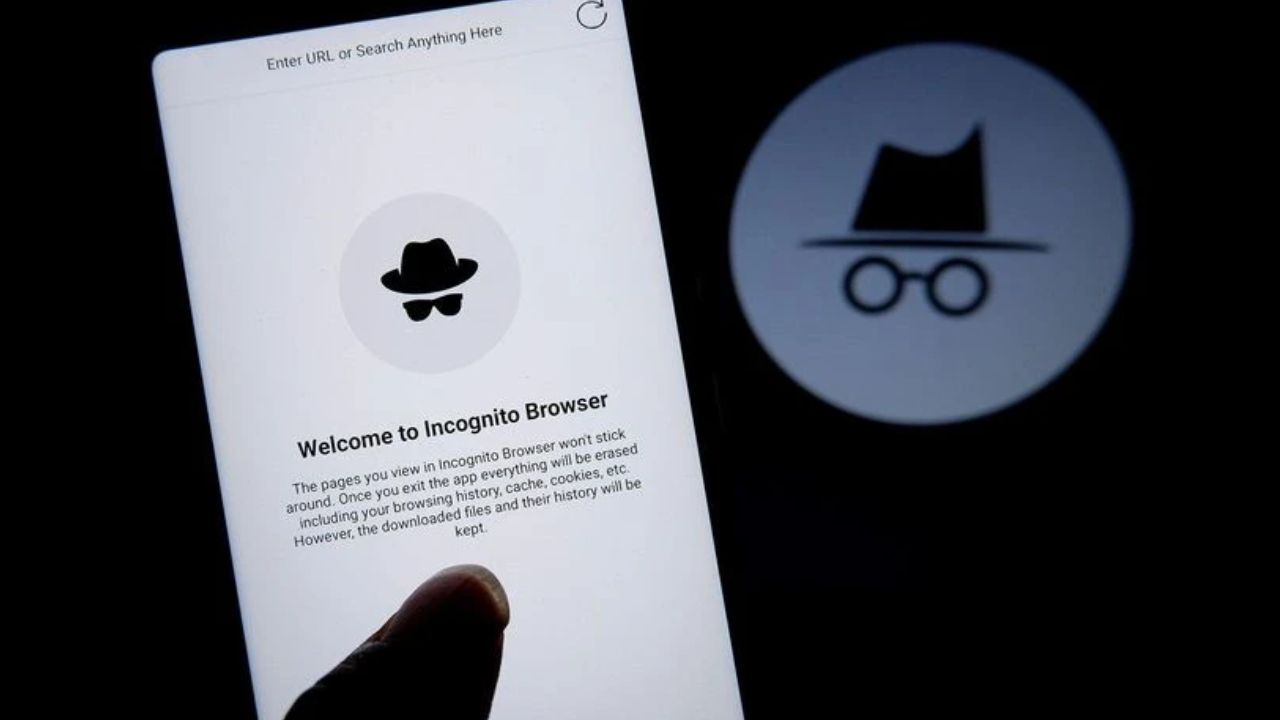


Many people use Incognito mode for privacy. They believe it makes them invisible online. This common assumption is not completely true. The feature offers limited local privacy only. You must understand its actual function.
It creates a temporary browsing session. Your main history remains untouched. Cookies disappear after you close the window. Form data and searches are not saved. Login information is also discarded. The session ends with the last tab.
When you use Incognito Mode, it does not keep everything private: your internet provider will still be able to tell where you are going and what you are doing, just like the websites you visit; employers can see what employees do on their computers through the office network. Your IP address will still be visible at all times; therefore any files that you download will stay in your folders permanently. You have to delete downloaded and bookmarked files yourself; these types of files may still exist after you close your browser window.
Once you create a bookmark on your browser, it will remain there. If you download files, they will remain in your folders. If you no longer want these files, you must delete them yourself. Everything within your downloads folder should be verified, and you will need to double-check this content.
Close all of your Incognito windows first. The next step in complete data erasure is to delete your downloaded files. In the same way, you should delete all bookmarks from the bookmark manager. Finally, make sure to flush your browser’s memory cache and flush the DNS cache.
The Command Prompt application should be opened. Enter ipconfig /flushdns accurately, and then press Enter on your keyboard. This process will remove previously stored domain name lookups and remove any residual network data.
Incognito Mode is beneficial when utilizing a shared computer with others, for quick and simple personal searches, or when wishing to prevent your device from maintaining a local browsing history, providing a restriction on recommended sites displayed in your web browser, and hiding activities performed on your device from other users who may be using that same computer.
Many journalists have a heightened need for personal privacy. Security conscious individuals may have similar requirements. Furthermore, many activists require enhanced anonymity. High-quality VPN services are available to all; keeping your IP address “masked.”
A VPN encrypts your connection. Use privacy-focused browsers like Tor. Disable auto sign-in features. Manage cookies regularly. Review browser settings monthly.
Also Read: Avoid Online Shopping Scams with These Simple Safety Tips
 Share
Share
 Bank Holiday Today: Here Are States Where Banks Will Be Closed
 Cyanide Mohan Case: Mammootty Explains the Alleged Link to Kalamkaval