
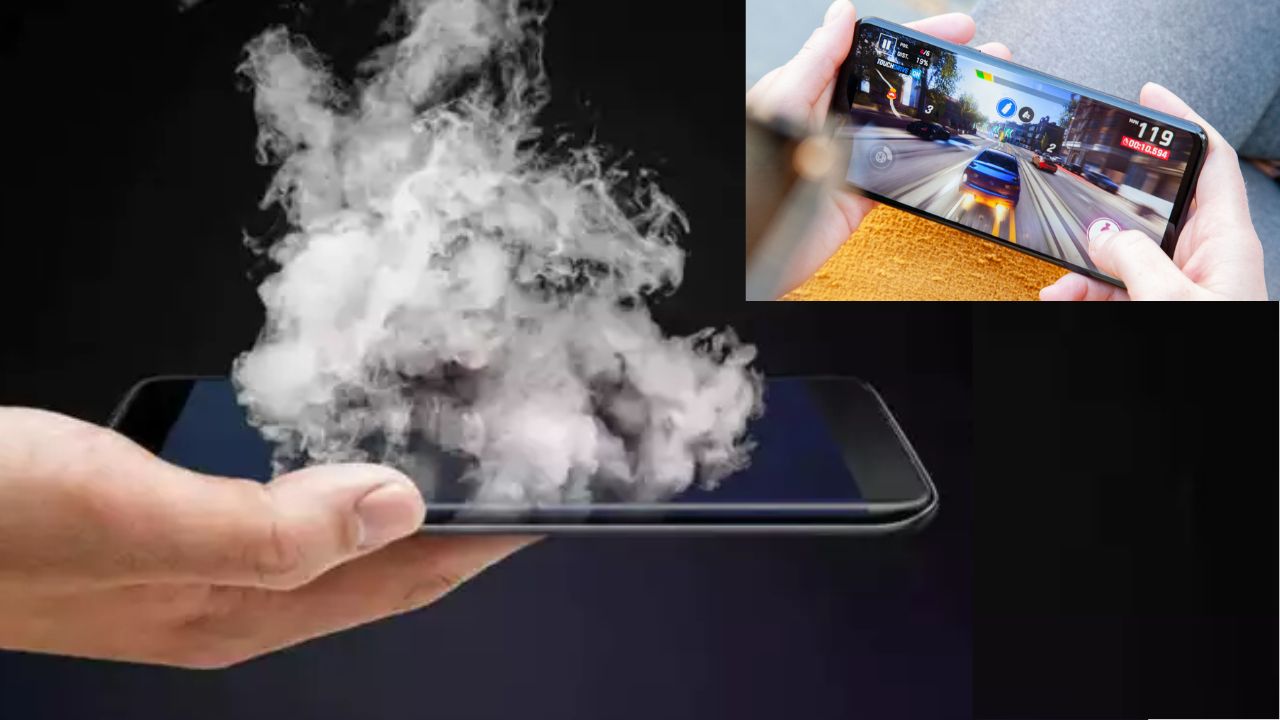


Smartphones overheating is a common problem. Damaging your device and shortening its battery life are the possible results of this problem. Charging, gaming, or running too many apps in the background can make the phone get hot. Sometimes, just putting your phone in your pocket or exposing it to the sun can make it
You should always keep your phone’s operating system up to date. You should also install available app updates whenever possible. Software updates usually improve battery efficiency. They optimize the overall performance of your device. Outdated software can cause a variety of glitches. Glitches can cause your processor to have to do more work, causing more heat.
When not using an app, be sure to close it. Many apps run quietly in the background. Such apps use your network and processing power, unnecessarily overloading the CPU in your phone. When overly used, the processor will quickly heat. Also, you can check your battery usage settings to see which, if any, apps are using a significant amount of battery, and you can force stop them as needed.
Avoid gaming on your phone, or streaming videos, while charging. Charging generates heat in the battery. Therefore, you do not want to compound that thermal requirement with even more heavy use requiring your processor. That combination can lead to potentially dangerously high heat. You should allow your phone to charge uninterrupted, and use it again only after you unplug it.
You should avoid keeping the phone in a hot car and not only in the sun. It is cool to operate at high ambient temperatures, but it is not so cool when the device is not able to cool itself. Nowadays cell phones are equipped with internal protection that might turn the phone off if it overheats. So, if you have a choice, do heavy work in a cool area.
If you are into gaming and the temperature is high, take off your phone case. The device will be surrounded by air more than it could be when the case was on. Uncover your phone completely. Let it rest on a hard and flat surface. Heat can go away easily this way. Never use damaged or cheap chargers. They can lead to overheating issues or improper charging.
Pay attention to unusual warmth. If it feels hot, give it a break. Restart your phone periodically. This clears temporary files and resets processes. Consider factory resetting if overheating persists. This can remove any problematic software.
These simple steps protect your investment. They ensure smooth and long-lasting performance. A cooler phone also has better battery life. Start implementing these habits today.
Also Read: How to Detect AI Deepfake Videos in Minutes
 Share
Share
 10 Tiny Morning Habits That Can Completely Transform Your Day
 Delhi Bomb Blast Update: Mumbai ATS Conducts Raids in Guntur On Intelligence Inputs