
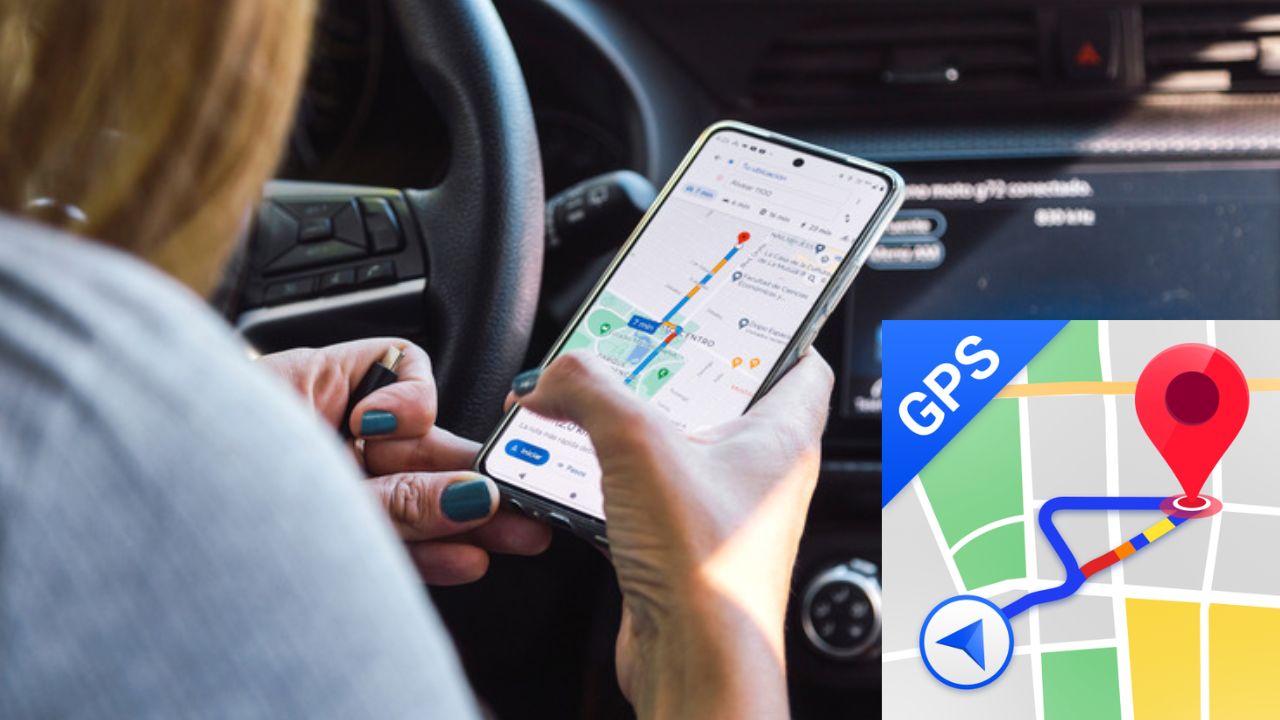


Most smartphone users depend on Google services for daily tasks. These services require various permissions, including access to your location, contacts, and messages. Many people believe Google cannot track them when they switch off GPS. However, Google can still detect your approximate location using other tools. This fact worries many users who prefer privacy and want to keep their movement hidden. Understanding these tracking methods helps you control what information you share.
Google can use nearby Wi-Fi networks for location. This works even without a connection to them. Your phone scans for network names constantly. Google uses this data to pinpoint you. This method does not require GPS.
Open your phone’s main Settings menu. Select the “Location” option from the list. Find the “Wi-Fi Scanning” setting here. Turn this specific setting off completely. This blocks one tracking method.
Nearby Bluetooth devices can also reveal location. Your phone scans for other devices like headphones. Past connection history provides location clues. Google analyzes these signals for tracking. Bluetooth must be active for this.
Navigate to your device’s Settings application. Go into the “Location” settings section. Locate the “Bluetooth Scanning” option. Switch this setting to the off position. This enhances your location privacy.
Google saves your location data, not just the specific location but also how long you were at each place, and your travelled path. Your location history is used to predict what you will be doing in the future and can also be used against you if there is no GPS-enabled device on the market when you need one.
You may easily delete, cease mapping, and restrict access to your own location history: Go to Settings, select your Google Account, choose Data & Privacy, scroll down to Web and App Activity and turn off this setting. Or go back and delete.
Always ensure your device’s GPS is turned off when not in use. You should also disable both WiFi and Bluetooth scanning. You need to clear your Google Location History often. Review the personal information permissions given to you by each app in the settings of your device in order to deny those permissions for non-essential apps.
Many companies use the information they collect regarding location-based services to target advertisements and to create maps based on that data. The additional information collected by location data is also used to make mapping services more accurate. Some features of a service require a GPS-enabled device in order to function; thus users need to weigh the convenience of these products against their level of privacy. Users must make an informed choice based on their needs and wants.
Also Read: Delete Google Chrome From Your iPhone Now: Apple’s Big Warning
You have the ability to help prevent others from tracking your activities. Take steps to manage the settings on your phone. Understand how the various technologies used by companies function, and ensure your privacy through regular monitoring. Simple actions can greatly enhance and protect your privacy.
 Share
Share
 Electricity Like WiFi: How Wireless Power Will Light Up Our Homes
 Lost Aadhaar Card? Recover Your Number in Minutes With This Easy Method