
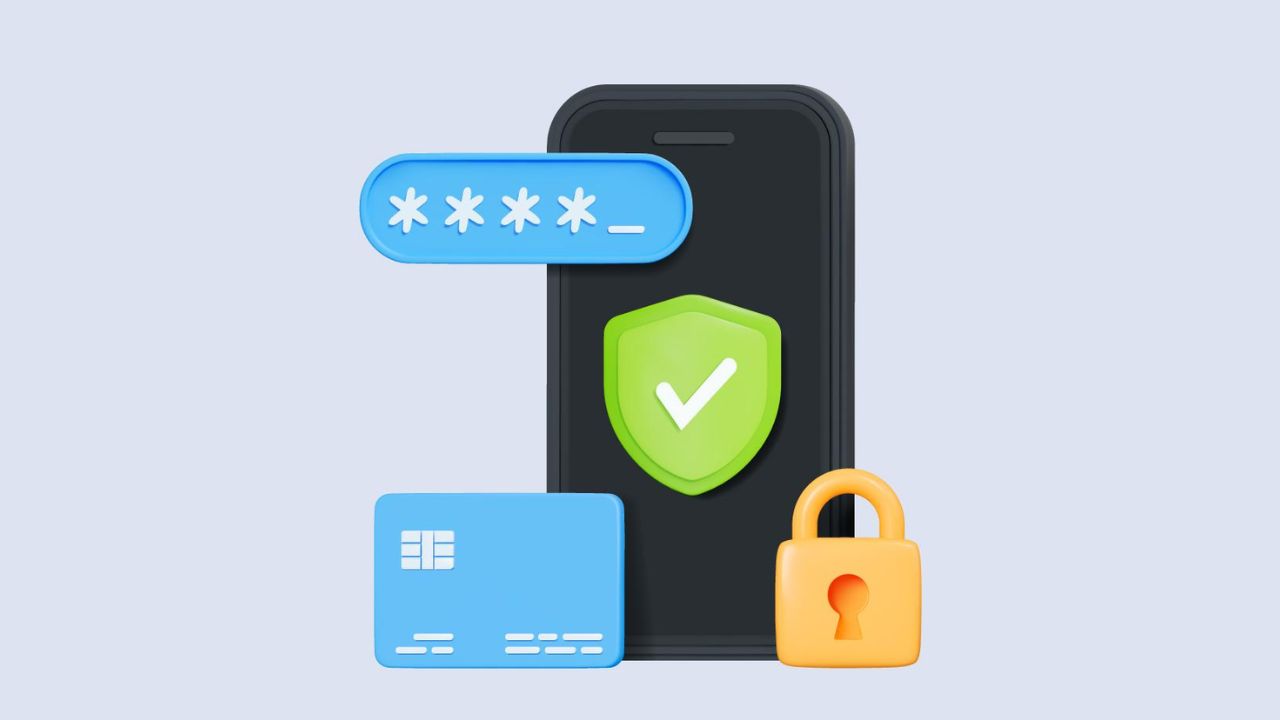


Your previous mobile number can pose a threat to your private data. Telecom companies take old numbers from disconnected accounts and recycle them after roughly ninety days. A new user can get the number that belonged to you which can allow them to potentially access accounts linked to that number. You will want to take steps to secure your private information.
Telecommunication providers give deactivated numbers a three-month holding period. During this period, the mobile number is in an inactive status. If the original user of the number does not reactivate it in that timeframe, then after three months, the number will be released for use again. A new customer will receive your number but may also have additional unwanted access to your private information.
Consider that your old number is connected to your personal bank. Your number may also link to social media. A new user could opt to initiate the request for OTPs. The number associated with you could generate requests for you to receive different account verifications. If they take control of your number, they have an entry point to uncover your private information, which could allow them to carry out an identity attack.
You can easily visit your bank or online banking section of their location to change your registered number immediately. You should do this for every bank account you possess. Dependent upon your country, you may want to change this number on any of the UPI app options, such as Google Pay and financial payment processing apps including Paytm, PhonePe, or other wallets as well as any loan or investment apps.
Go to your Facebook account settings. Find the contact information section. Replace your old mobile number with the new one. Do the same for your Instagram account. Update your WhatsApp linked number within the app. Change the number on X (formerly Twitter) and LinkedIn.
Your Gmail account is critically important. Update its recovery phone number. Do the same for your Apple ID or Microsoft account. Check major e-commerce sites like Amazon and Flipkart. Ensure your profile shows the correct new contact number.
Turn on 2FA for all important accounts. Use your new number for this security step. This prevents anyone from logging in with just a password. They would need the OTP sent to your new phone.
Do not just throw your old SIM card away. Contact your telecom provider first. Officially request them to deactivate the old number. This formally severs the connection.
Log out of all accounts on your old device. Remove the old SIM card from your phone. Perform a factory reset on the device if you are selling it. This erases all your personal data.
A small mistake can lead to big trouble. Cybercriminals actively look for such opportunities. Protecting your data is your own responsibility. Always complete these steps when changing your number.
Also Read: Your Phone Might Be Spying on You – Here’s How to Stop Apps Tracking Location
 Share
Share
 Anjeer Benefits: 10 Simple and Tasty Ways to Eat Anjeer for Better Health
 School Holiday on November 14: States Release Updated Closure List